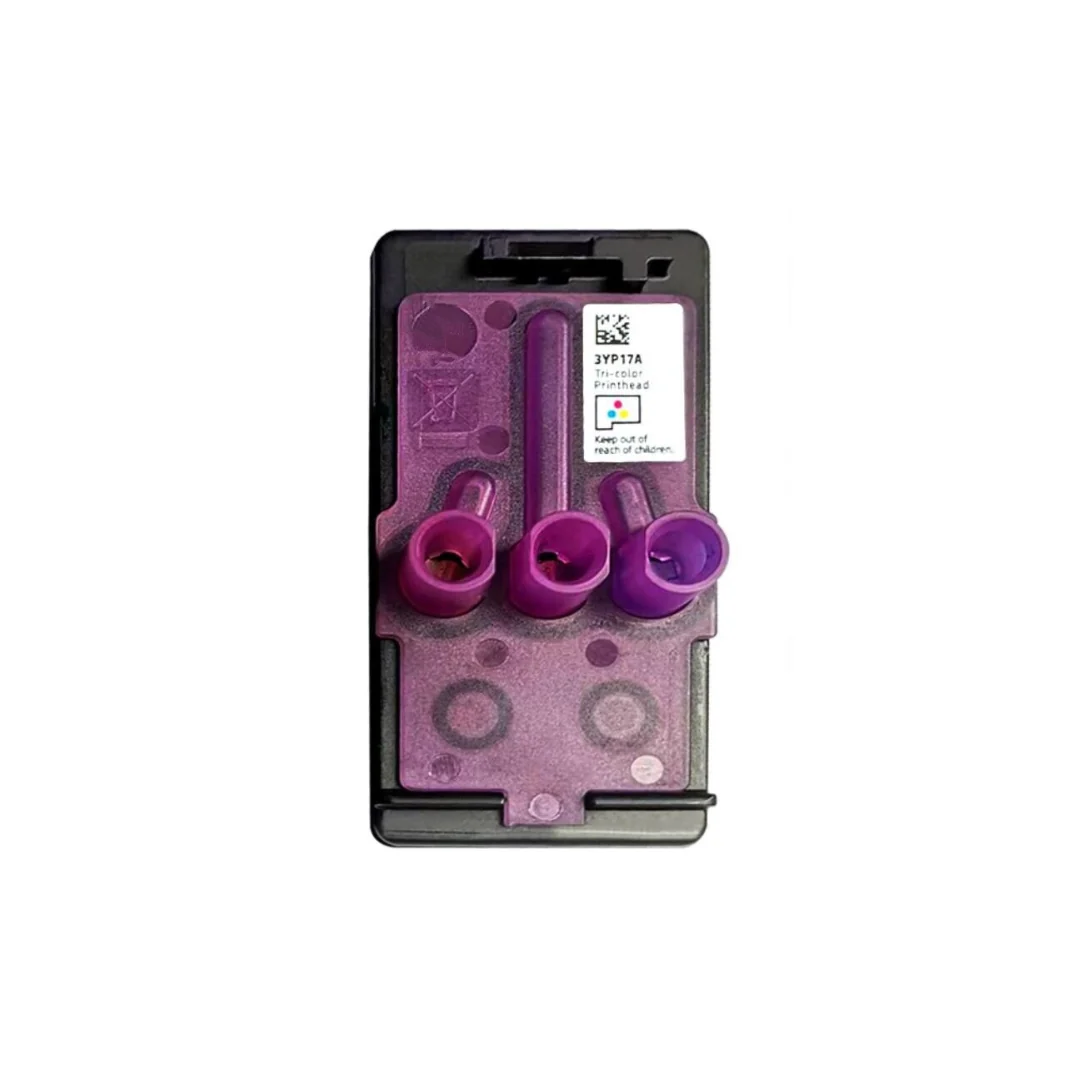
HP 3YP17A Tricolor Printhead for HP Smart Tank 720 750 790
Compatible Printers
SmartTank-670
SmartTank-720
SmartTank-725
SmartTank-750
SmartTank-755
SmartTank-790
SmartTank-795
SmartTank-6000-series
SmartTank-7000-series
SmartTank-7300-series
SmartTank-7600-series
SmartTank 7605
How to :
Determine which printhead caused the error
Look at the control panel (non-touchscreen printers) or printer display (touchscreen printers) to determine which printhead caused the error.
-
If the error screen Print head problem indicates that the tri-color printhead is not communicating or the Attention light
and the tri-color print head icon are flashing, it is the tri-color print head that caused the error.
-
If the error screen Print head problem indicates that the black printhead is not communicating or the Attention light
-
If the error screen Print head problem indicates that the tri-color and black printheads are not communicating or the Attention light
Check the print heads
The printer may display an error if the printheads are not installed correctly.
Make sure all ink tanks are at least half full and there is paper in the input tray.
-
Raise the ink access door and wait for the carriage to stop.
-
Press the blue button on the print head carriage to open the print head cover.
-
Make sure the caps on top of the new printhead have been removed.
-
Make sure you have removed the tape from the print head contacts.
CAUTION:
Do not touch the copper-colored contacts or the ink nozzles. Do not reapply the protective tape over the contacts. Touching these parts can cause clogging, ink failure, and poor electrical connections.
-
Insert the print head into the slot until it clicks into place.
-
Close the print head cover.
-
Close the ink access door.
restart the printer
Reboot the printer to recover from errors or failures.
Product Information
Product Information
Shipping & Returns
Shipping & Returns
Description
Compatible Printers
SmartTank-670
SmartTank-720
SmartTank-725
SmartTank-750
SmartTank-755
SmartTank-790
SmartTank-795
SmartTank-6000-series
SmartTank-7000-series
SmartTank-7300-series
SmartTank-7600-series
SmartTank 7605
How to :
Determine which printhead caused the error
Look at the control panel (non-touchscreen printers) or printer display (touchscreen printers) to determine which printhead caused the error.
-
If the error screen Print head problem indicates that the tri-color printhead is not communicating or the Attention light
-
If the error screen Print head problem indicates that the black printhead is not communicating or the Attention light
-
If the error screen Print head problem indicates that the tri-color and black printheads are not communicating or the Attention light
Check the print heads
The printer may display an error if the printheads are not installed correctly.
Make sure all ink tanks are at least half full and there is paper in the input tray.
-
Raise the ink access door and wait for the carriage to stop.
-
Press the blue button on the print head carriage to open the print head cover.
-
Make sure the caps on top of the new printhead have been removed.
-
Make sure you have removed the tape from the print head contacts.
CAUTION:
Do not touch the copper-colored contacts or the ink nozzles. Do not reapply the protective tape over the contacts. Touching these parts can cause clogging, ink failure, and poor electrical connections.
-
Insert the print head into the slot until it clicks into place.
-
Close the print head cover.
-
Close the ink access door.
restart the printer
Reboot the printer to recover from errors or failures.